A visitor decides within seconds whether to stay on a site or leave. A website usability audit checks that experience from the first screen to the form submission and shows what stops people from reaching their goal. If the navigation is confusing or a form does not submit from a phone, even good traffic does not turn into enquiries.
A website usability audit is a check of how easy a site is for real visitors to use. It covers navigation, forms and the path to an enquiry, the mobile version, readability, accessibility, trust and speed. The result is a list of findings and recommendations by priority, not a general verdict of “easy” or “hard to use”.
What a website usability audit is
By the definition of the W3C Web Accessibility Initiative (the ISO 9241-11 standard), usability is the degree to which a product lets users reach their goals effectively and with satisfaction. The audit turns that definition into a checkable list of site elements.
How it differs from a technical audit and an SEO audit
Three kinds of website audit: what is the difference
| Parameter | SEO audit | Technical audit | Usability audit |
|---|---|---|---|
| What it checks | Rankings, visibility, keywords, content | Indexing, speed, duplicates, rendering | Navigation, forms, mobile version, accessibility, trust |
| When you need it | Before launching or revising a promotion strategy | Before technical fixes and a redesign | Before a redesign or when conversion is low |
| Result | A prioritized promotion plan | A list of technical errors by priority | A list of findings that block the path to an enquiry |
The website SEO audit and the technical website audit overlap with usability on some points, for example speed and the mobile version.
Who needs it and when
You need the audit if there are many visitors but few enquiries, if users complain that the site is hard to use, or if the business is preparing for a website redesign. The areas of the check are the same for a service site and an online store.
What a usability audit includes
Navigation and the path to an enquiry
We check whether it is clear where the visitor is, and whether there are extra steps, dead-end pages or contradictory menus.
Forms: from filling in to sending without losses
We look at field labels, error messages and the confirmation after sending. We check that enquiries do not get lost technically.
Mobile version of the site
We check whether elements overlap and whether a button is easy to hit with a finger, across different conditions, even bright sunlight.
Readability and accessibility (WCAG)
Accessibility and usability overlap in many ways. We follow the WCAG standard: text contrast, links and buttons that are easy to tell apart.
Trust: contacts, reviews, authorship
We look at whether it is easy to understand who is responsible for the site. Clear contacts and an author’s signature speed up the decision to send an enquiry.
Speed as part of the experience
By web.dev, loading should fit within 2.5 seconds and response within 200 milliseconds, with no page shift. Here we judge speed through the visitor’s perception.
Find out what stops your visitors from sending an enquiry We will check navigation, forms and the mobile version for free and send a list of specific fixes.
How we run a usability audit: the stages
Stages of a usability audit
- 01
Reviewing key scenarios
We define the visitor’s paths to an enquiry and check them one by one.
- 02
Checking navigation and structure
We see whether the menu is clear and whether it is easy to get back to the right step.
- 03
Checking forms
We fill them in and note where an enquiry can get lost.
- 04
Checking the mobile version
We view the site on different screens and with different ways of input.
- 05
Checking accessibility and readability
We assess contrast, labels and keyboard navigation.
- 06
Building the report
We put the findings into a list: what to fix first and what can wait.
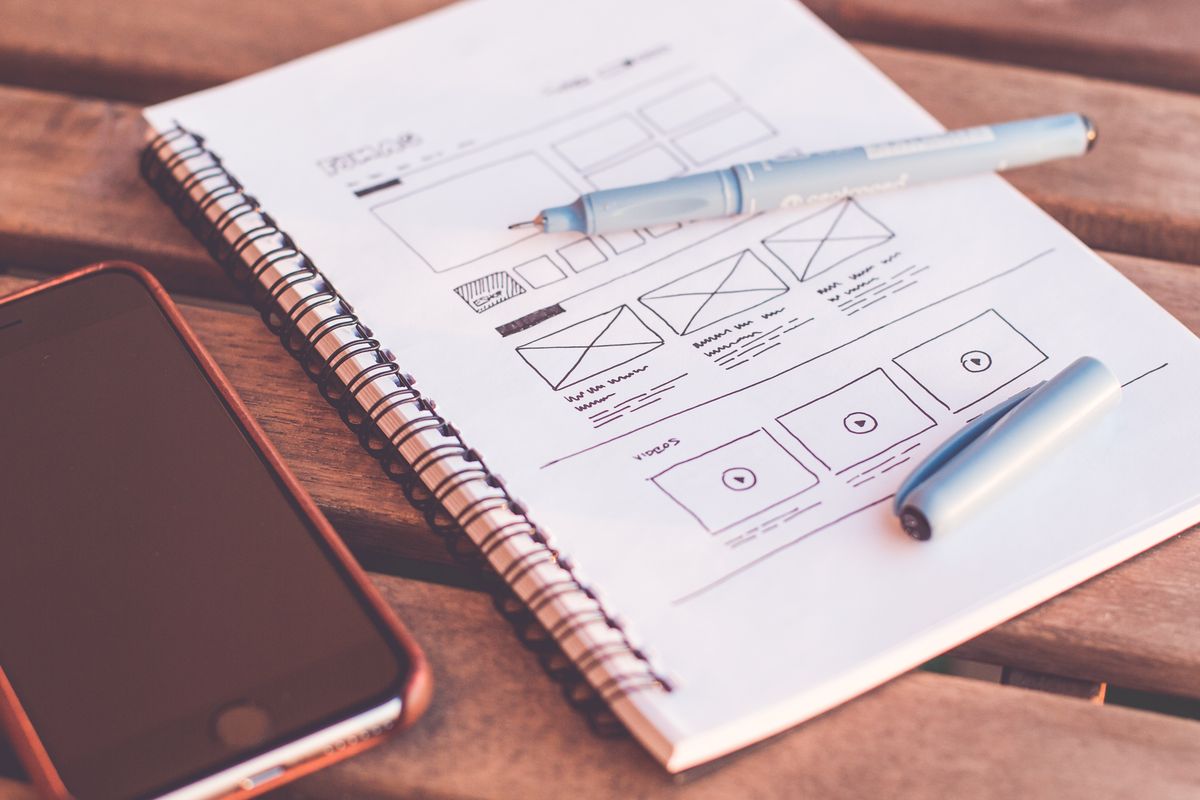
What you get at the end
A prioritized list of findings across the same six areas as the check. We agree the format of the final document individually.

How a usability audit relates to conversion and redesign
An easy path to an enquiry reduces the number of abandoned enquiries, but we do not forecast conversion growth in percent. Individual findings are covered by website improvements, and systemic problems of structure and navigation are solved by a website redesign.
Who a website usability audit is for
Service sites and landing pages with an enquiry form
On service sites and landing pages the path to an enquiry is short, and every obstacle reduces the number of enquiries.
Those preparing for a redesign or improvements
The audit helps you start an update from a specific list of problems. The audit author, Aleksey Borovikov, relies only on analytics data. See examples of the approach in the case studies section, and leave a project brief for an estimate.