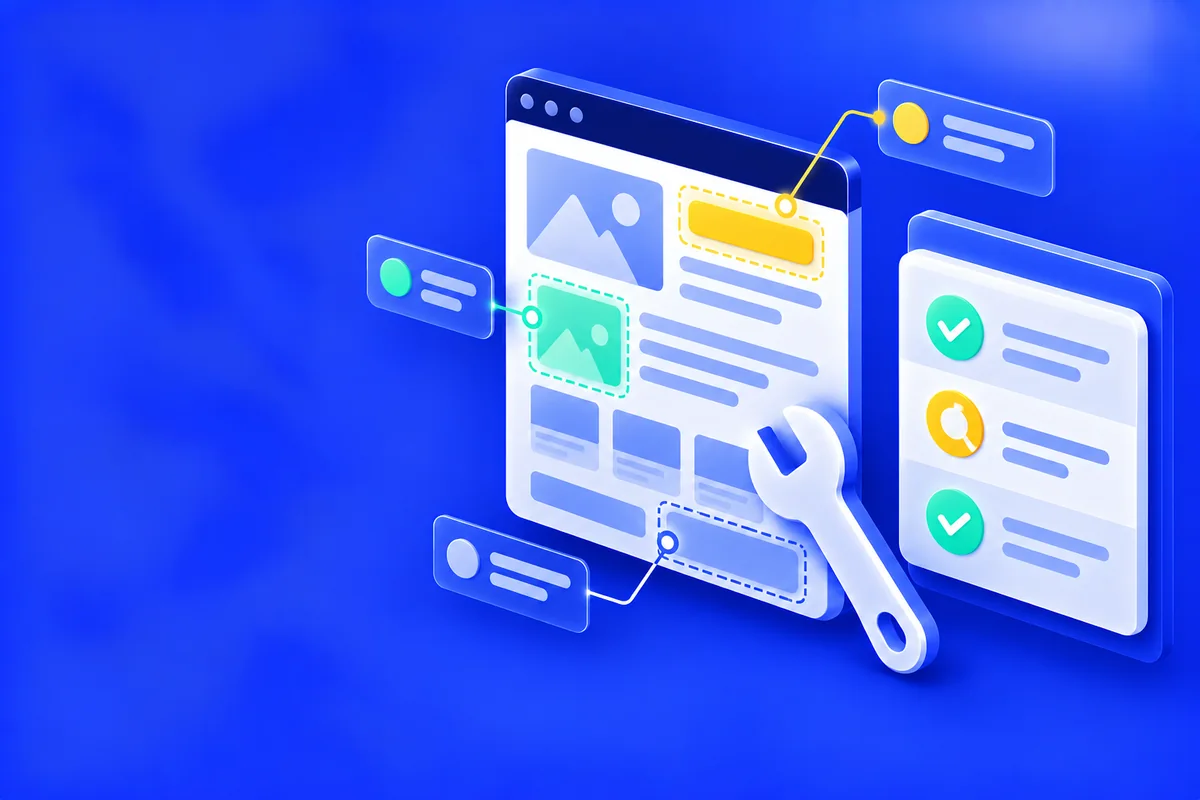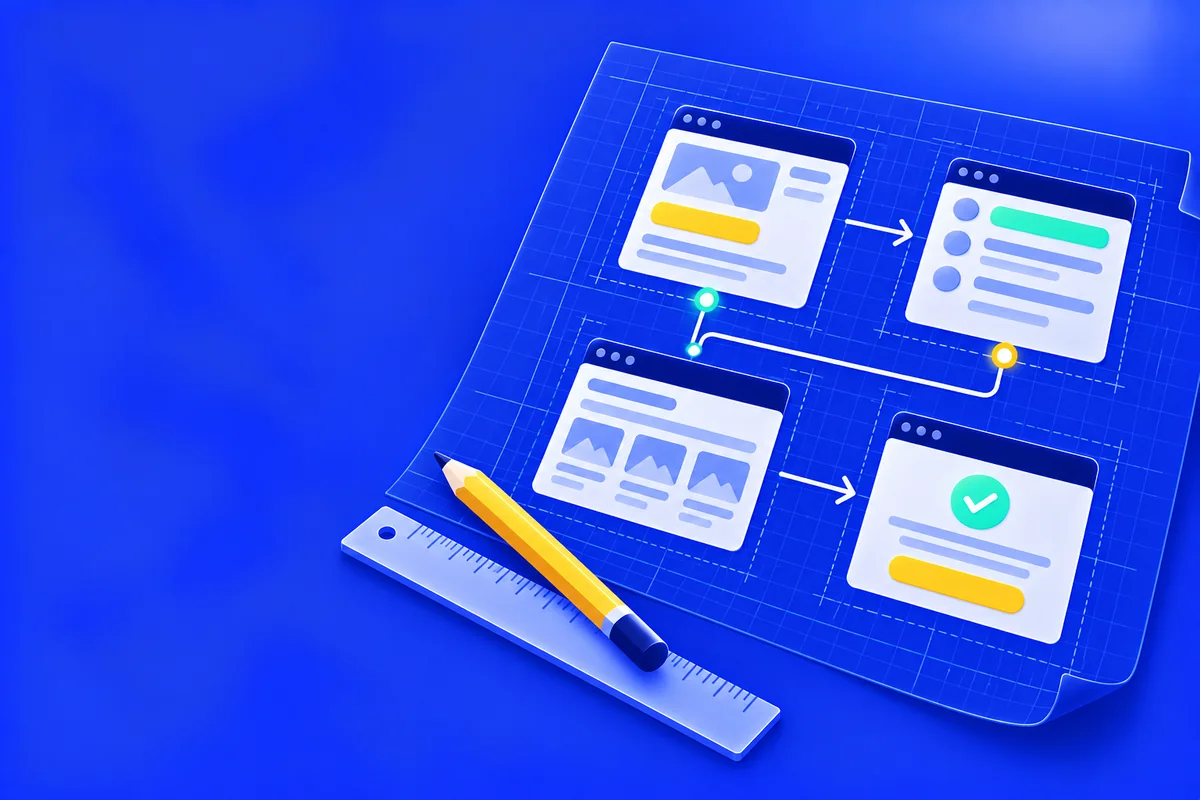
Before a website gets a design, it needs a structure: which sections the page will have, in what order, and what each one says. A website prototype shows that structure, and because it looks so plain, it is easy to underestimate.
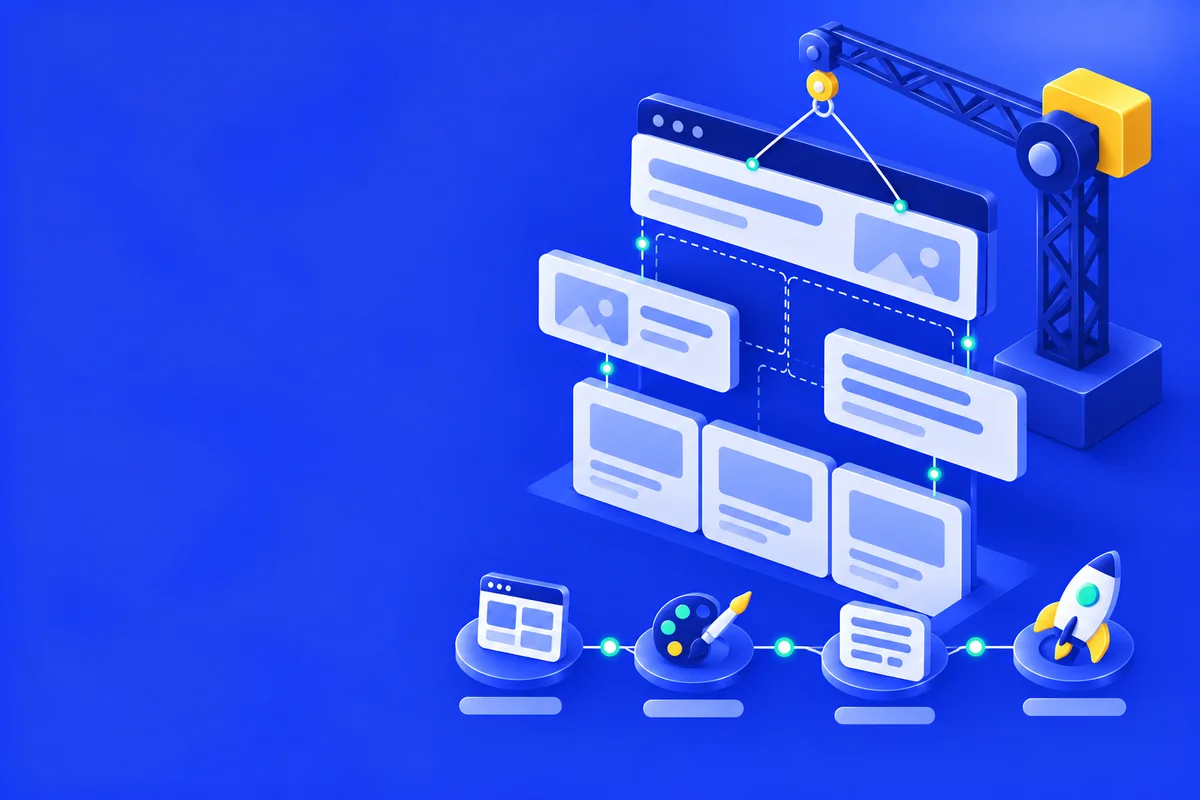
A website prototype (often called a wireframe) is a schematic view of the future page or site: the structure of sections, the placement of blocks, the order of content and the main interactive elements such as menus, buttons and forms, without the final rendering of color, fonts and graphics.
What is a website prototype
A prototype answers the question “what goes where, and in what order”, not “what will it look like”. It is a working tool for planning, not a finished design.
What a prototype consists of
The structure of sections from top to bottom, the key blocks inside the sections, the order in which information is presented and the logic of interactive elements: menus, buttons, form fields. Color, fonts and illustrations belong to the next stage.
Why you need a prototype before launch
Changing the order of sections on a diagram is cheap and fast, while the same edit on a built site takes far more resources. That is why we agree the structure before design and copy.
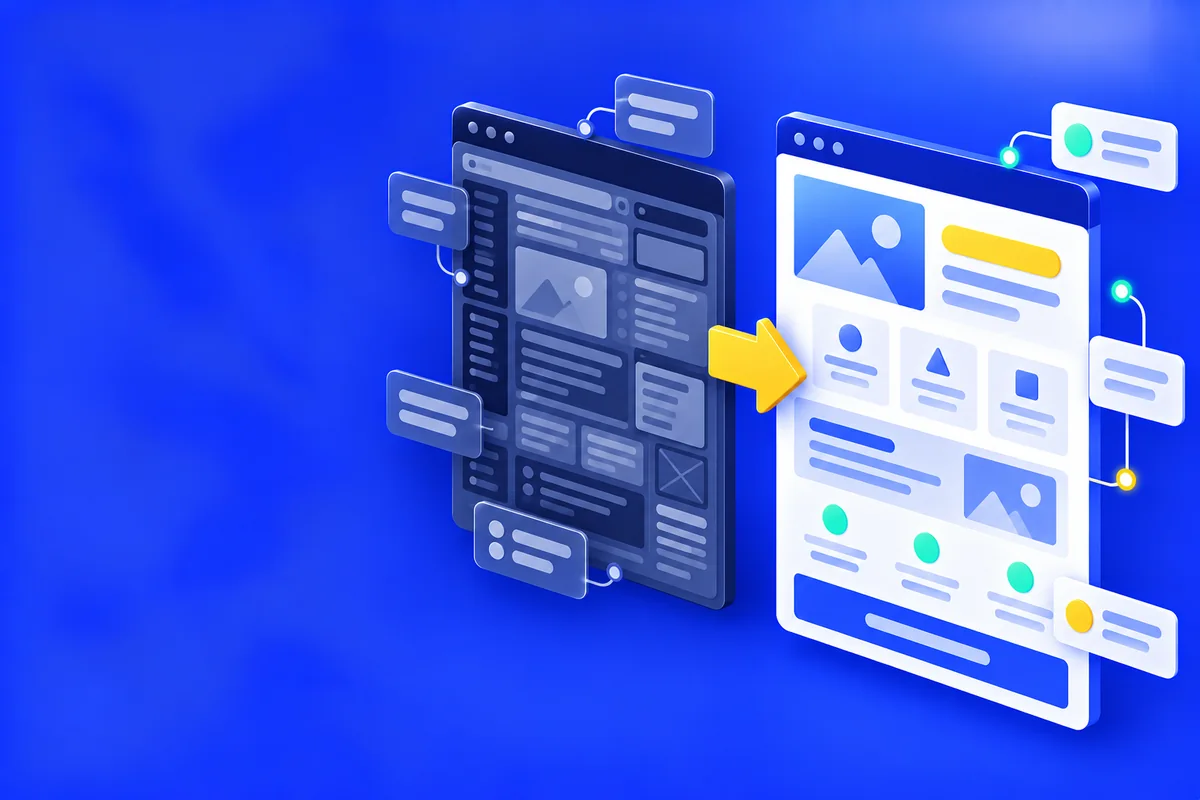
Prototype vs. design mockup
Prototype and design mockup
| Criterion | Website prototype | Design mockup |
|---|---|---|
| Level of detail | A diagram: blocks, sections, order | Color, fonts, images |
| What gets changed | Structure, logic, user path | Visual style on top of a finished structure |
| When it is used | Before development or redesign | After the structure is agreed |
First you decide what goes where, and only then what color it will be.
The prototype as a stage of turnkey website development
When there is no site yet, the prototype is the first practical step after research and keyword research, the “structure” stage in our process of turnkey website development. We lay out headings, sections and room for a question block from the start, with visitors, search and AI answers in mind, and a person checks every structure before design.
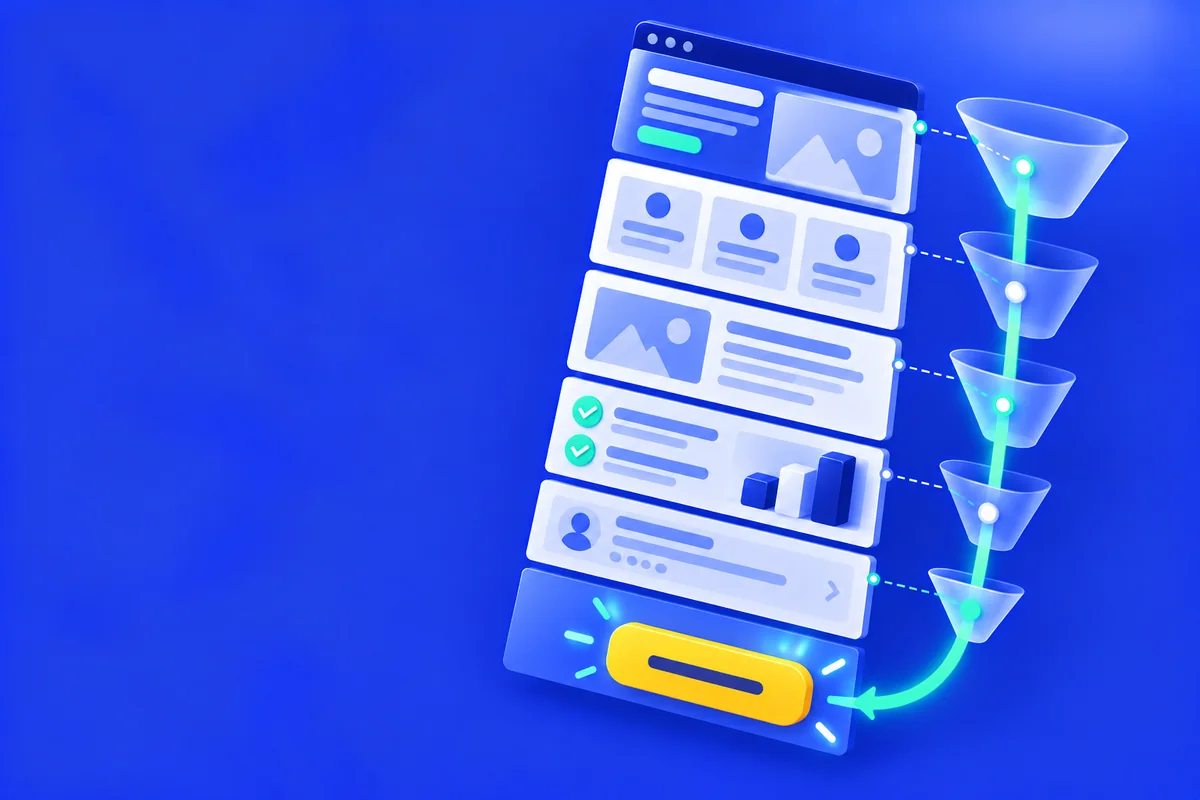
For a landing page the quality of the prototype matters even more: the order of blocks directly affects how many visitors reach the form.
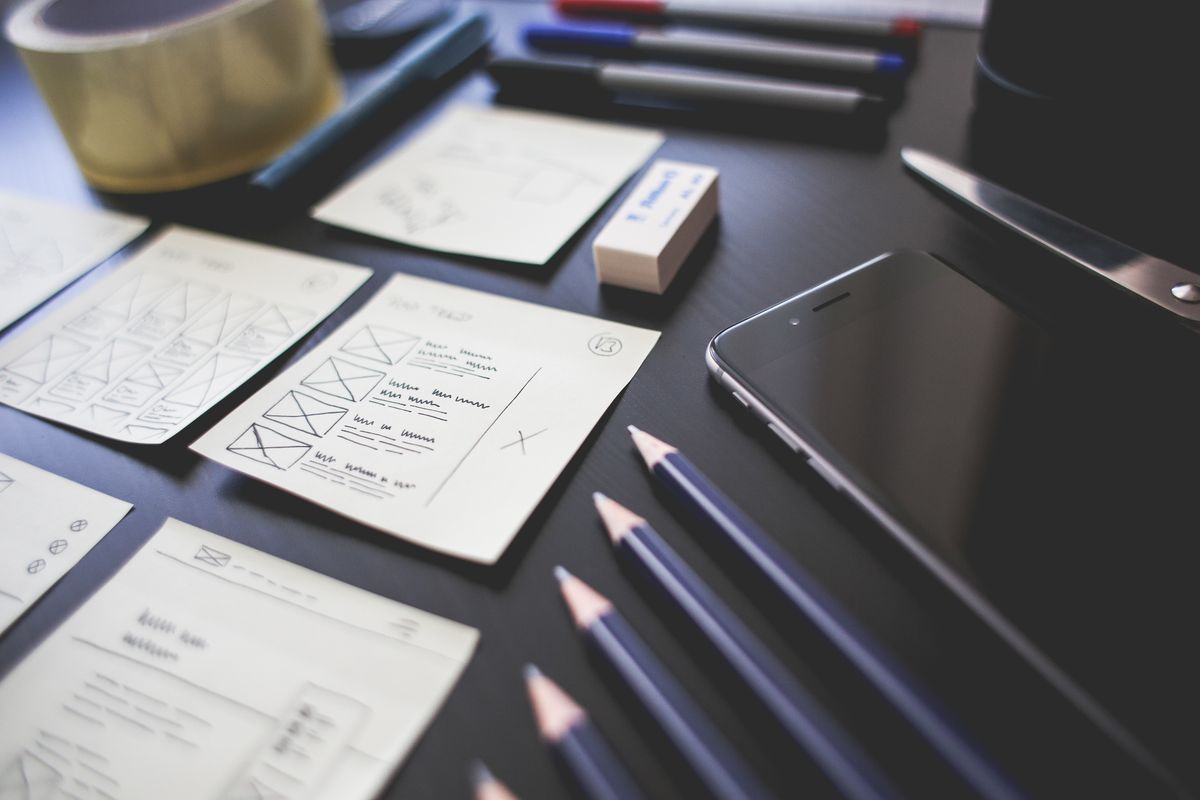
The “48-hour prototype”: a quick prototype for redesigning an outdated site
For owners of outdated sites there is a quick format: we prepare a prototype of the new site from a link to the current one and show it before any payment, usually within 48 hours. More about this format on the website redesign page.
Signs that a site is due for an update: no HTTPS, no adaptation to phones, a low PageSpeed score, content not updated for more than two years, table-based layout. A secure connection and mobile usability are part of the page experience signals in Google Search Central, and HTTPS protects the connection from interception.
Your site feels outdated, but you do not know where to start? We will check the signs of an outdated site for free and tell you whether you need a prototype of a new one.
How we work out the prototype structure
How we make a website prototype
- 01
Analysis of the task or the site
For a new site we take the brief and the keyword research. For a redesign we study the current site.
- 02
Section structure
We define the sections and the order in which they answer a visitor’s questions.
- 03
Placement of blocks and elements
We lay out blocks, buttons, forms and the user path.
- 04
Logic check
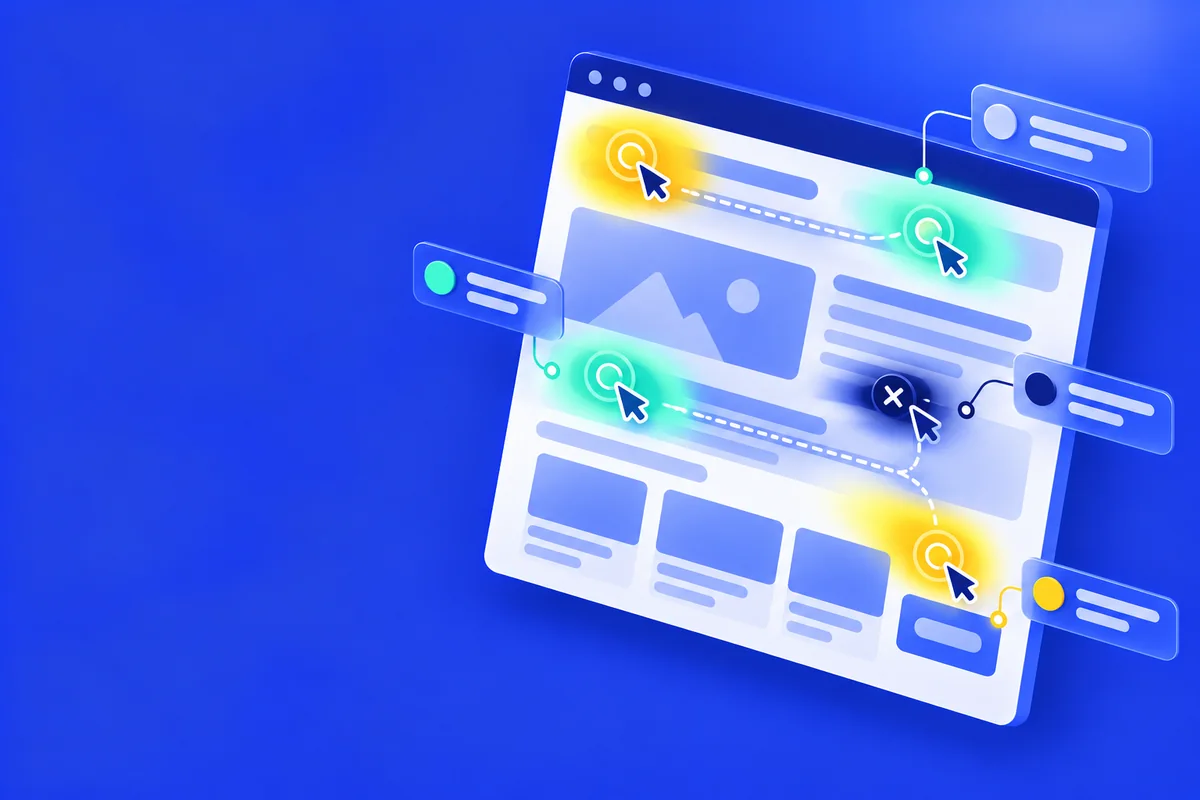
We check whether a visitor reaches the form without extra steps.
- 05
Review and edits
We edit the structure until both sides are happy with it, and only then move on to design.
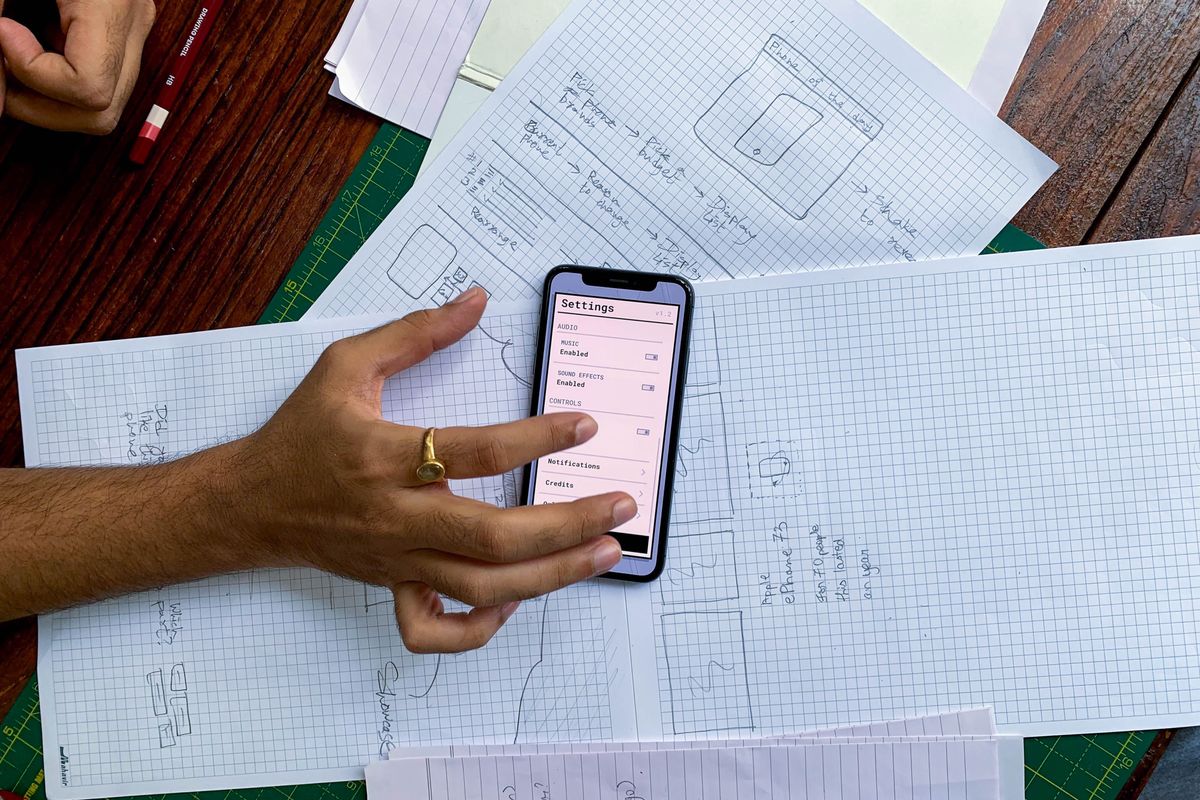
What you get
More about my experience on the Aleksey Borovikov page.
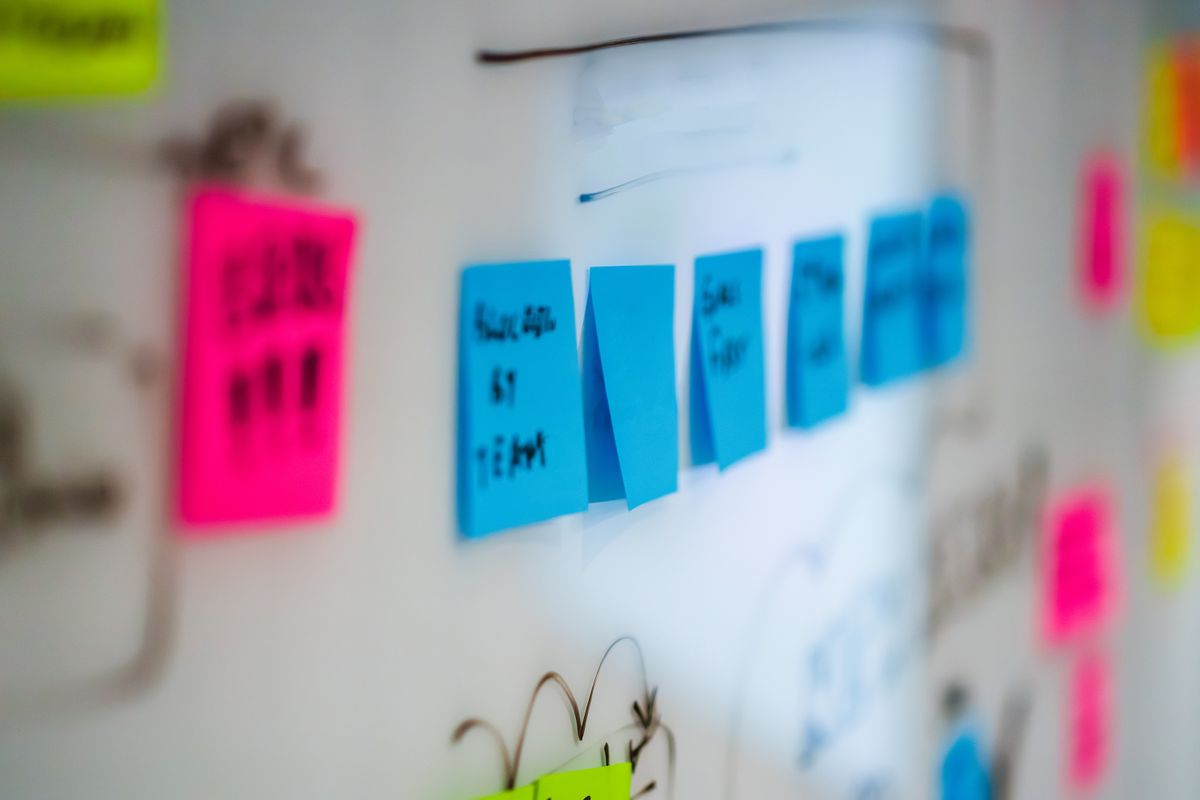
Who needs a website prototype and when
If you do not have a site yet
The prototype is the first step after the brief and keyword research, before design and copy, both for a turnkey site and for a standalone landing page.
If you have a site, but it looks outdated
The prototype shows the new result before you pay. A usability audit can also give a reason for one: if the problems are in the structure and the user path, a new prototype makes more sense than targeted website improvements.